 Self-host
 On-device
Free foreverSpeech AI runs on the phone. Nothing leaves it.
Whisper
On-device models
- Whisper Base
- Whisper Small
- Whisper Turbo
- NVIDIA Parakeet v2
- NVIDIA Parakeet v3
The intelligent voice keyboard for iPhone. Speak in any app and get text you can send as it is. Free on your iPhone and on your server, or use Diction Cloud.


 Any text field

 No plugin needed
 Any text fieldNo plugin neededAny text fieldNo plugin neededAny text fieldNo plugin needed

 Any app
 Any appAny appAny app
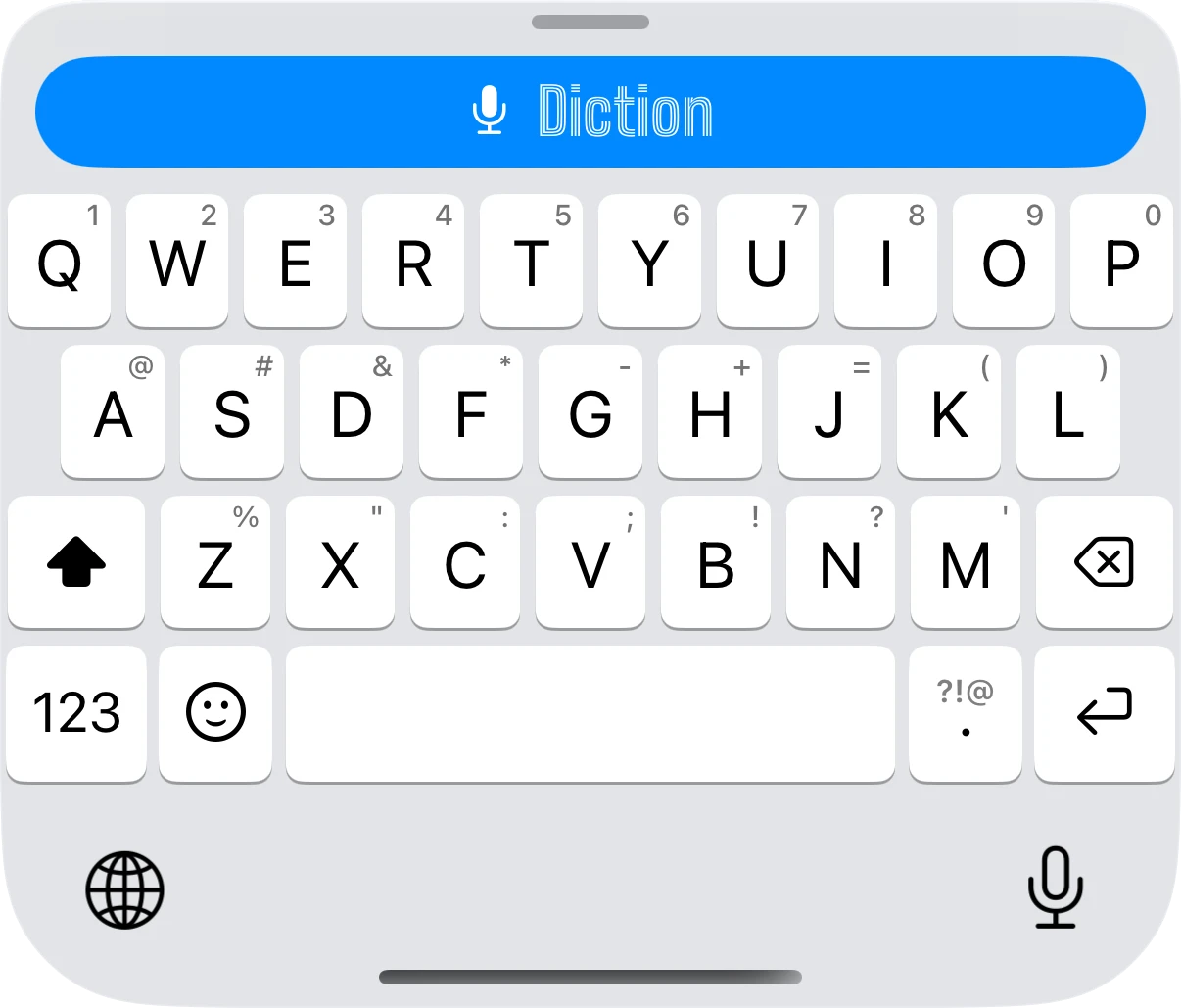
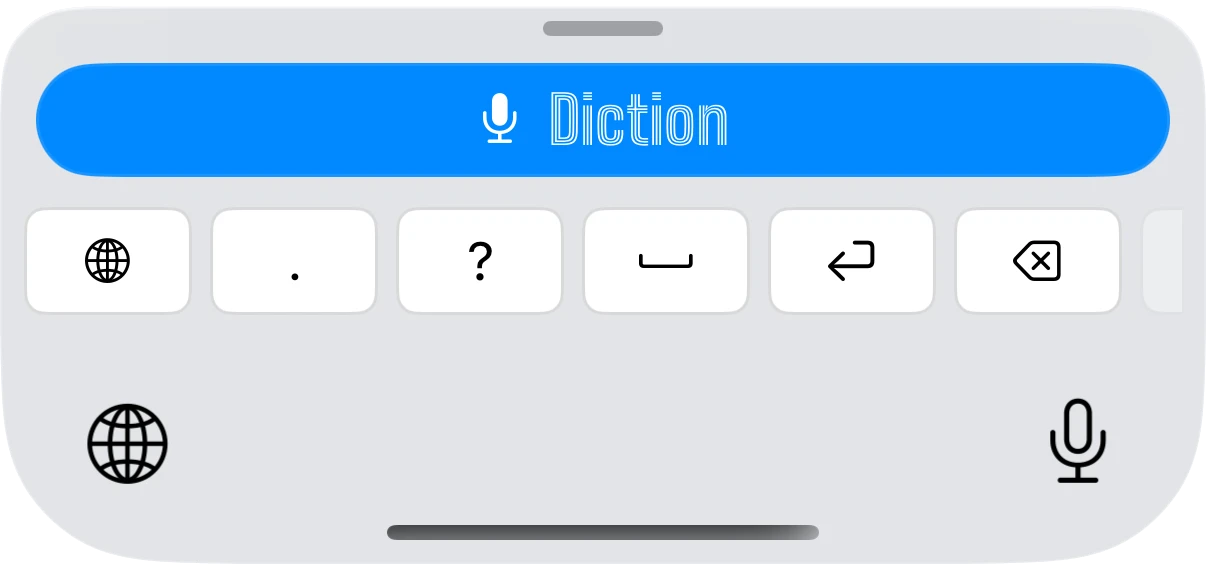
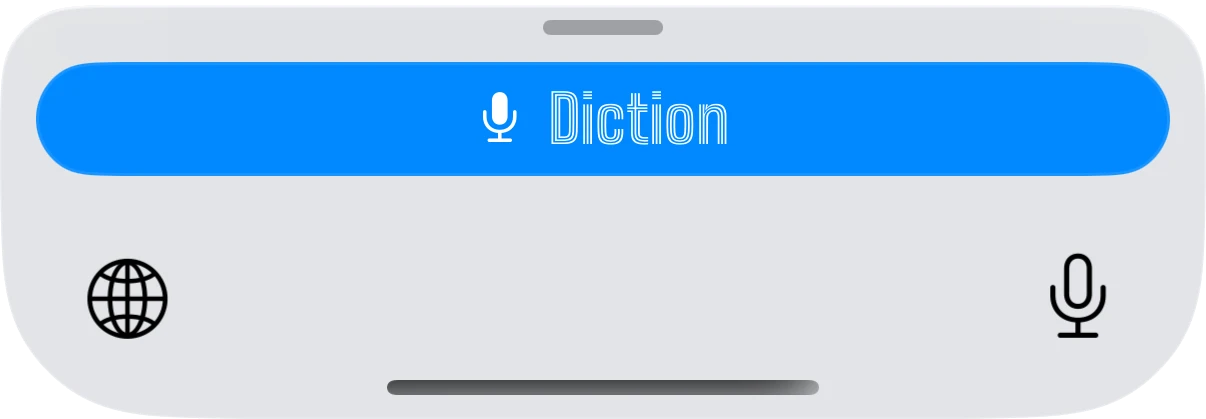
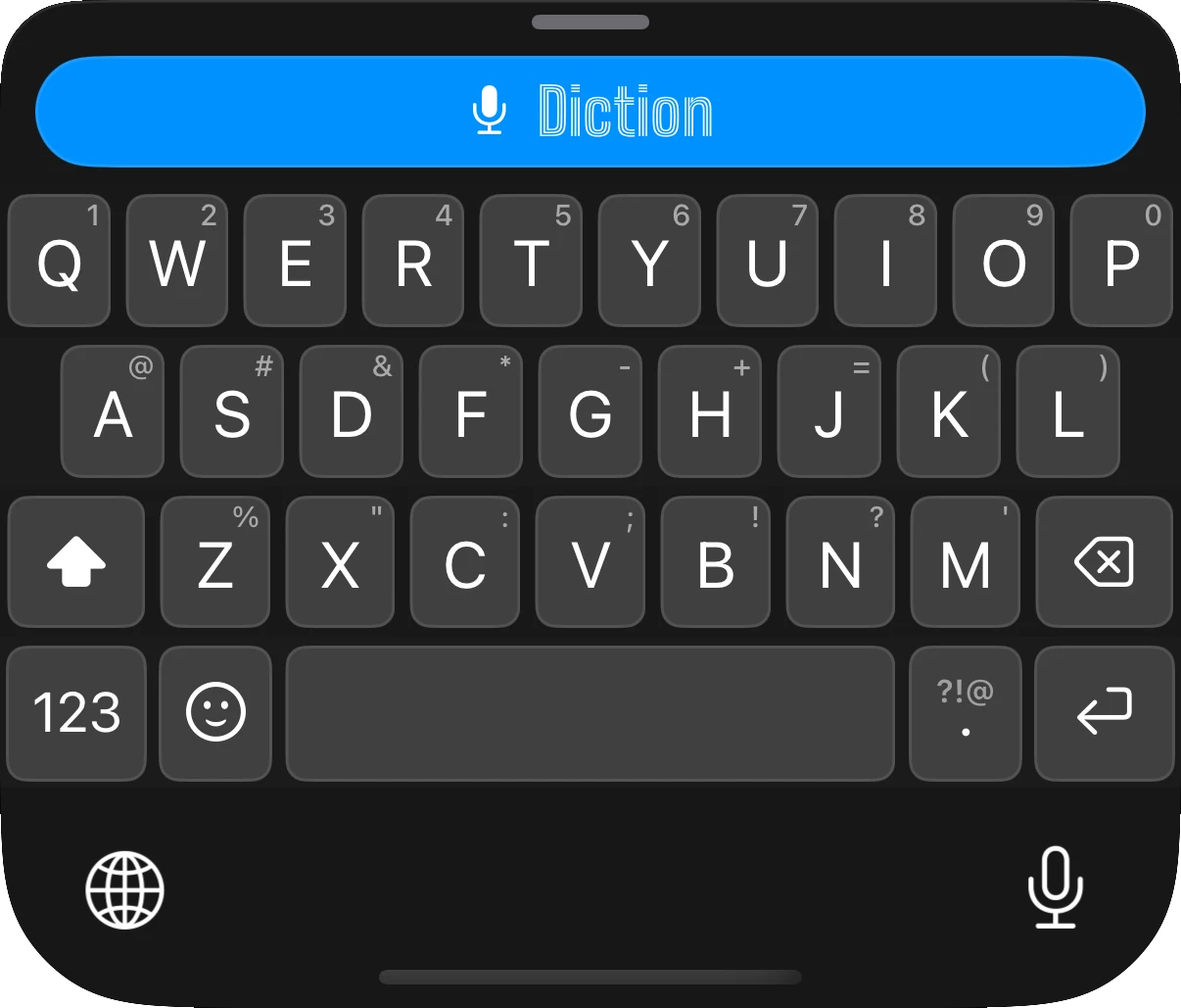
Tap the Diction Bar and speak. Keep a full keyboard under it, one row of keys, or nothing but the bar.
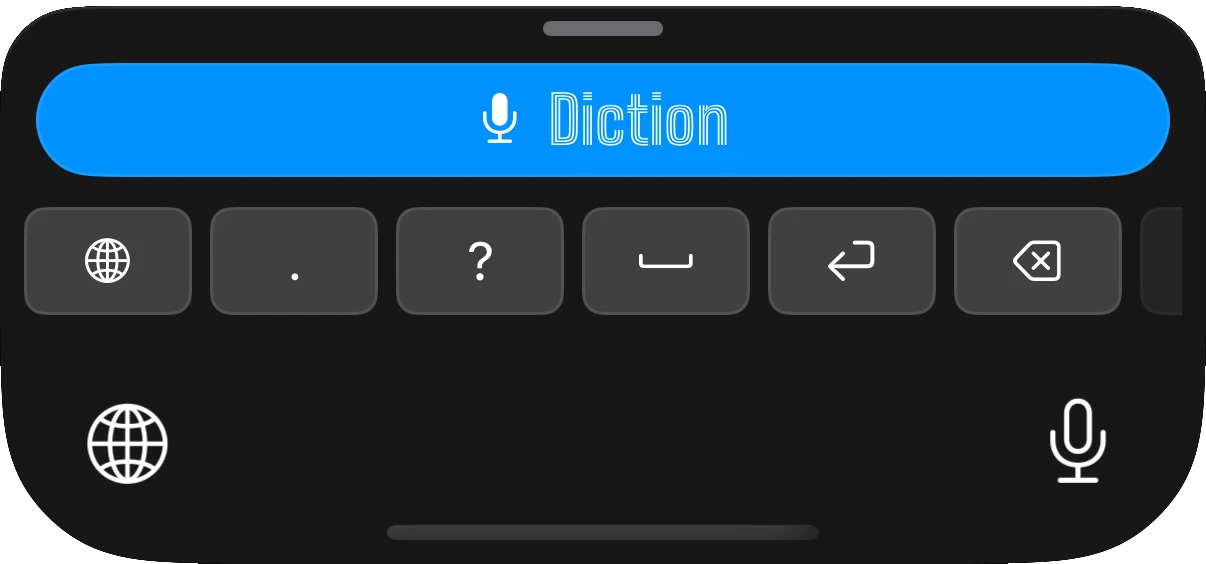
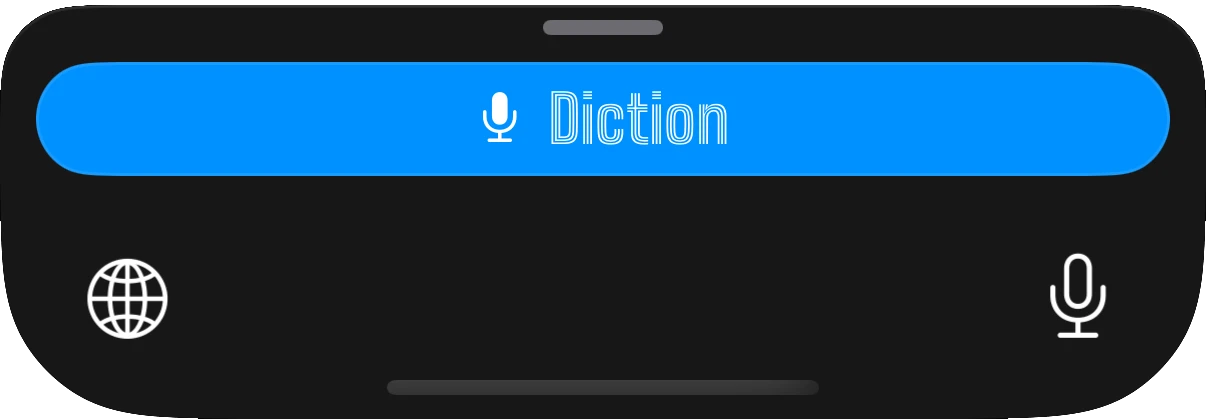
Speech AI runs on the phone. Nothing leaves it.
On-device models
Running a speech model or LLM at home? Plug it into the keyboard.
Nothing to set up. The best speech AI and every Writing Tool, from the first tap.
 Get the app
Fast, accurate transcription, then the cleanup you would do by hand: fillers gone, grammar fixed, lists formatted, your names spelled right. And when the text is already there, just say what to change.
um so quick update for tomorrow. we're gonna need three things, uh, the slides, the demo laptop and, like, someone to take notes. also their gonna send the contract tonight so i'll forward it
um so quick update for tomorrow. we're gonna need three things, uh, the slides, the demo laptop and, like, someone to take notes. also their gonna send the contract tonight so i'll forward it
um, uh, like, you know, false starts
so um basically yesYes.
Agreement, tense, apostrophes, capitalization
their gonnathey're going to
Lists, numbers, dates, paragraphs. Or say "new paragraph"
one two three1. 2. 3.
Your names, brands and jargon, spelled your way
new yenNguyen
Tell it what to change in text that is already there
Hi team · "translate to Spanish"Hola equipo
The keyboard learns where your thumb actually lands, so fewer wrong letters get through in the first place.
Autocorrect, word completion and next-word suggestions, written from scratch instead of borrowed from iOS. It learns your names and jargon, and it all runs on the phone.
Diction Labs quantizes and fine-tunes the models behind every word, so speech AI runs fast on iPhone, offline, and on servers. Published on Hugging Face.
On Hugging Face →Sealed with AES-256-GCM and a fresh key for every request before it leaves the server. Your words never travel unprotected.
Plug in a speech model or LLM you run at home. Clone, start, scan the QR. Free, no account, no limits.
“Even apart from self-hosting, Diction is the best keyboard I have used so far. The combination of a full keyboard and an excellent dictation function is a real productivity gain.”
“I have a speech impediment... this app understands me far more clearly than Apple's built-in dictation ever has. Being able to use it completely free, unlimited, and offline means a lot to me.”
“I used to be a Whisperflow user, and I just got sick and tired of having to context-switch and leave my app, and I feel like with this app, it's a lot more frictionless.”
“Works amazing. Especially on job sites with equipment running in the background... It looks very professional when texting with clients because it corrects my bad grammar and corrects some of my Southern accent.”
“Until diction arrived my workflow was to dictate on mobile using ChatGPT, copy it, then go into the app and paste my text... now with diction I self host whisper and I can seamlessly dictate. Love it.”
“If you have a Mac, you can set up the backend very easily... The front end is already a very polished interface... And you can control your own privacy.”
“Finally, a voice keyboard that actually understands me... It works flawlessly across all my apps, and having the option to run it completely offline is a huge bonus.”
We run the GPU servers ourselves. Your voice is transcribed there and thrown away, never stored. Running the hardware also keeps costs down, which is how the price stays fair and below what most dictation apps charge.
$5.99/month
$4.99/month
$59.99 billed annually
Get the app Free trial in the app. Cancel anytime. US prices, your local price is in the app.
On your iPhone and on your server, yes. Free forever, no word limits, no account. Diction Cloud is the paid option at $5.99 a month or $59.99 a year, and you can try it free first.
A full keyboard. QWERTY with the layout for your language, autocorrect that looks at where your finger landed, word completion and next-word suggestions, all computed on your iPhone. The mic sits above the keys, one tap away in every app.
Pretty much anywhere you can type: Messages, Mail, Slack, Notes, your browser. Two exceptions come from iOS itself. Password fields always get the system keyboard, and a few apps block custom keyboards.
Yes, in on-device mode. Download a speech AI once and dictate on a plane, in a tunnel, anywhere. Diction Cloud and self-hosted need a connection, because that is where the speech AI runs.
No. On-device, your voice never leaves the phone. Self-hosted, it goes to your server and nowhere else. On Diction Cloud it is transcribed and thrown away.
iOS asks for it before any keyboard can use the network, and Diction needs the network to reach the speech AI. That is all it is used for.
99 for dictation, with auto-detect if you switch between them. 25 European languages get the most accurate engine.
Add it to My Words once, along with your colleagues, brands and jargon, and Diction spells them your way from then on.
Yes. Hold the mic and say what you want: "make it a list", "translate it to Spanish", "remove the last sentence". The text that is already there changes.
You run the Diction server on a machine you control, and the app sends your voice there instead of the cloud. It is open source, it runs in Docker, and pairing is one QR scan.
It helps. An NVIDIA GPU gives the fastest results. No GPU? The smaller Whisper models run fine on a CPU.
Yes. Point the server at any OpenAI-compatible endpoint, like Ollama, and Writing Tools run on it, free.
Not yet. Diction is iPhone first, and that is where the work goes right now.
The same way as any App Store subscription, in your Apple ID settings. On-device and self-hosted keep working, free, after you cancel.
Free on your iPhone and on your server. Works in every app.
 Self-hosting guide